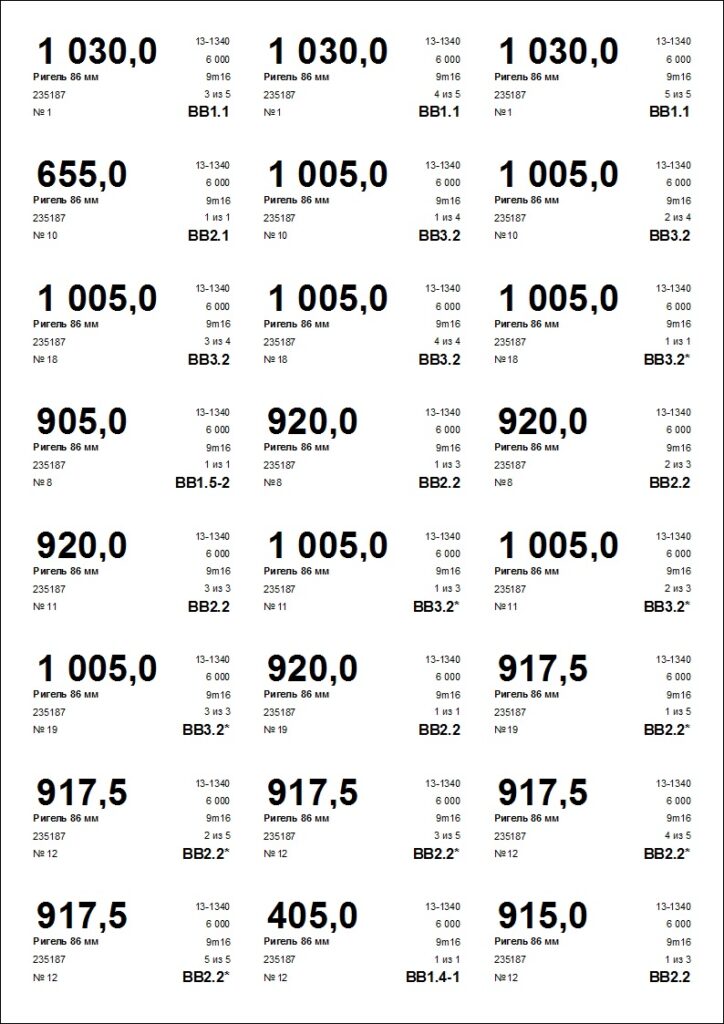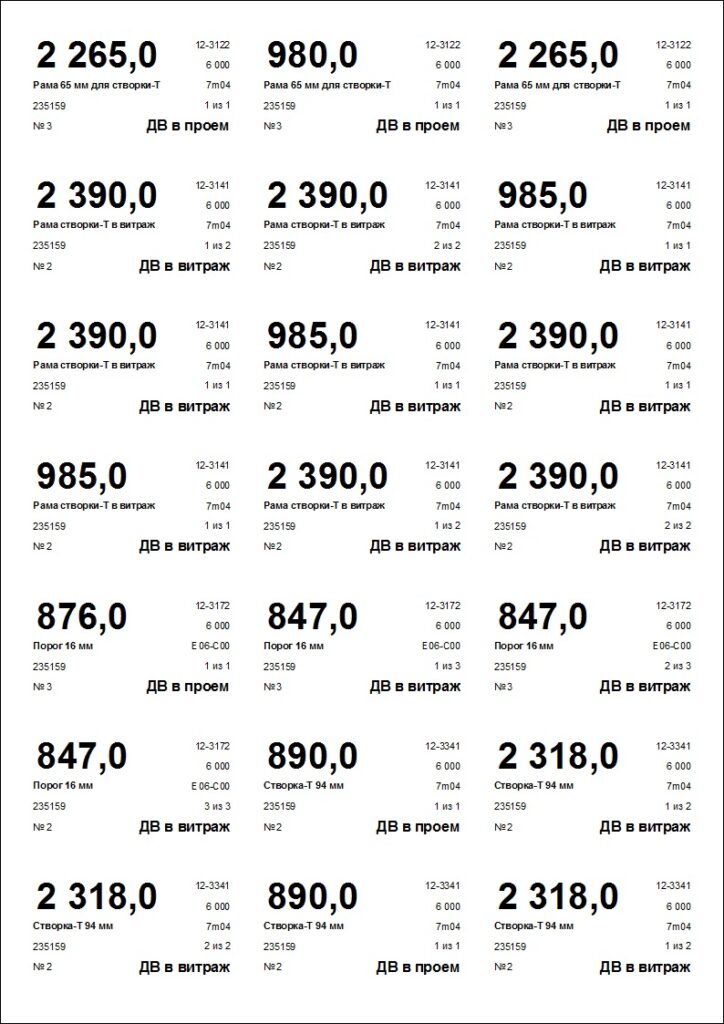
Large-scale manufacturers often use barcode systems to identify semi-finished parts. While highly effective, such expensive and complex tracking systems are not accessible to everyone. To bridge this gap, we have added a feature to our ProfStroy 4 calculation software that allows you to print part labels for aluminum profiles using a standard office printer. This significantly speeds up the assembly process.
Each label includes the part dimensions, article number, profile name, color, serial number, and the name of the corresponding finished product. All you need is standard A4 self-adhesive paper with either 21 (3×7) or 24 (3×8) labels per sheet.
To print, open the required report, switch to “Preview” mode, and ensure the layout aligns correctly with the pages. Print all pages except the last one. We recommend using the “Manual Feed” mode and loading sheets one by one with a short delay. This prevents the adhesive labels from peeling off and sticking to the printer drum due to paper overheating.